EasySpotter
A receiving station in one program. Plug in an SDR, pick your bands, and EasySpotter decodes FT8, FT4, JS8, WSPR and JTTY on all of them at once, maps the openings live, reads RTTY, Olivia, PSK and CW on their known frequencies, saves weather-fax charts and SSTV pictures, listens with a waterfall and, if you like, shares the receiver on the web. Free, for Linux and Windows.
Download EasySpotter 0.92.0 Ubuntu, Debian, Fedora, Arch Linux and Windows

What it does
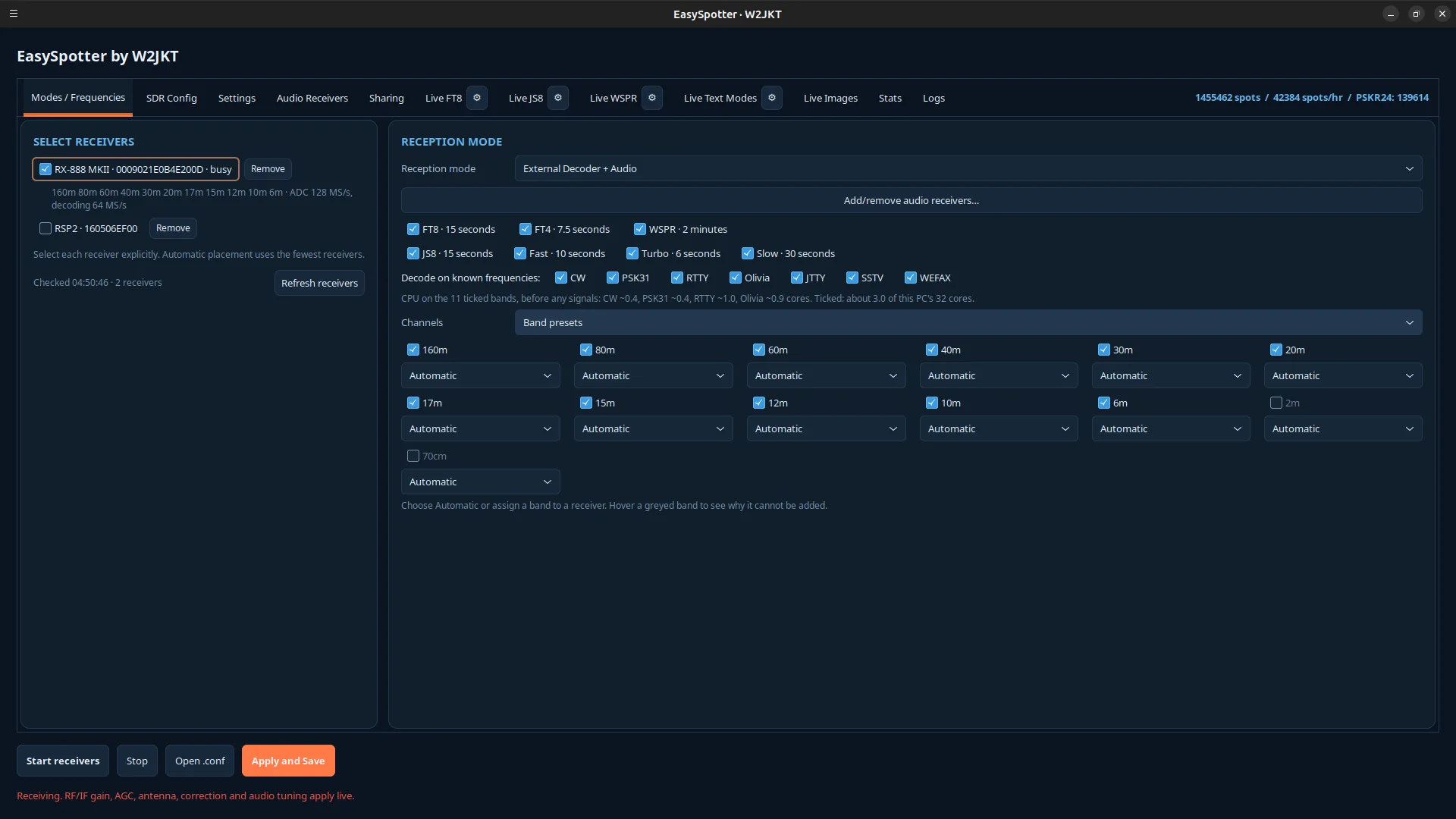
- Decodes FT8, FT4, JS8, WSPR and JTTY on many bands at once from one receiver. An RX-888 MKII hears all of HF, 160 m through 10 m, in a single capture; an SDRplay RSP or an RTL-SDR dongle covers the bands that fit its passband.
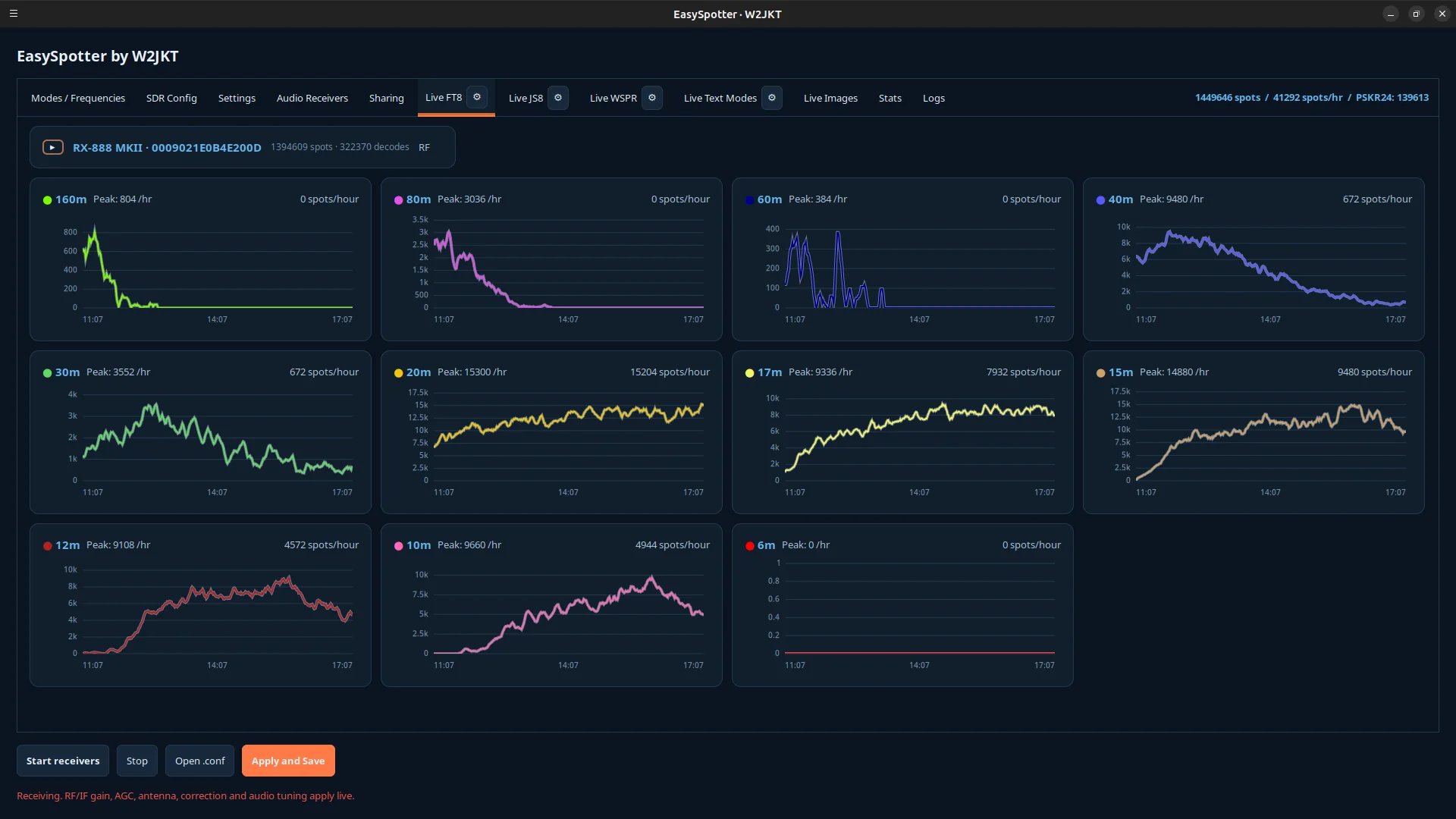
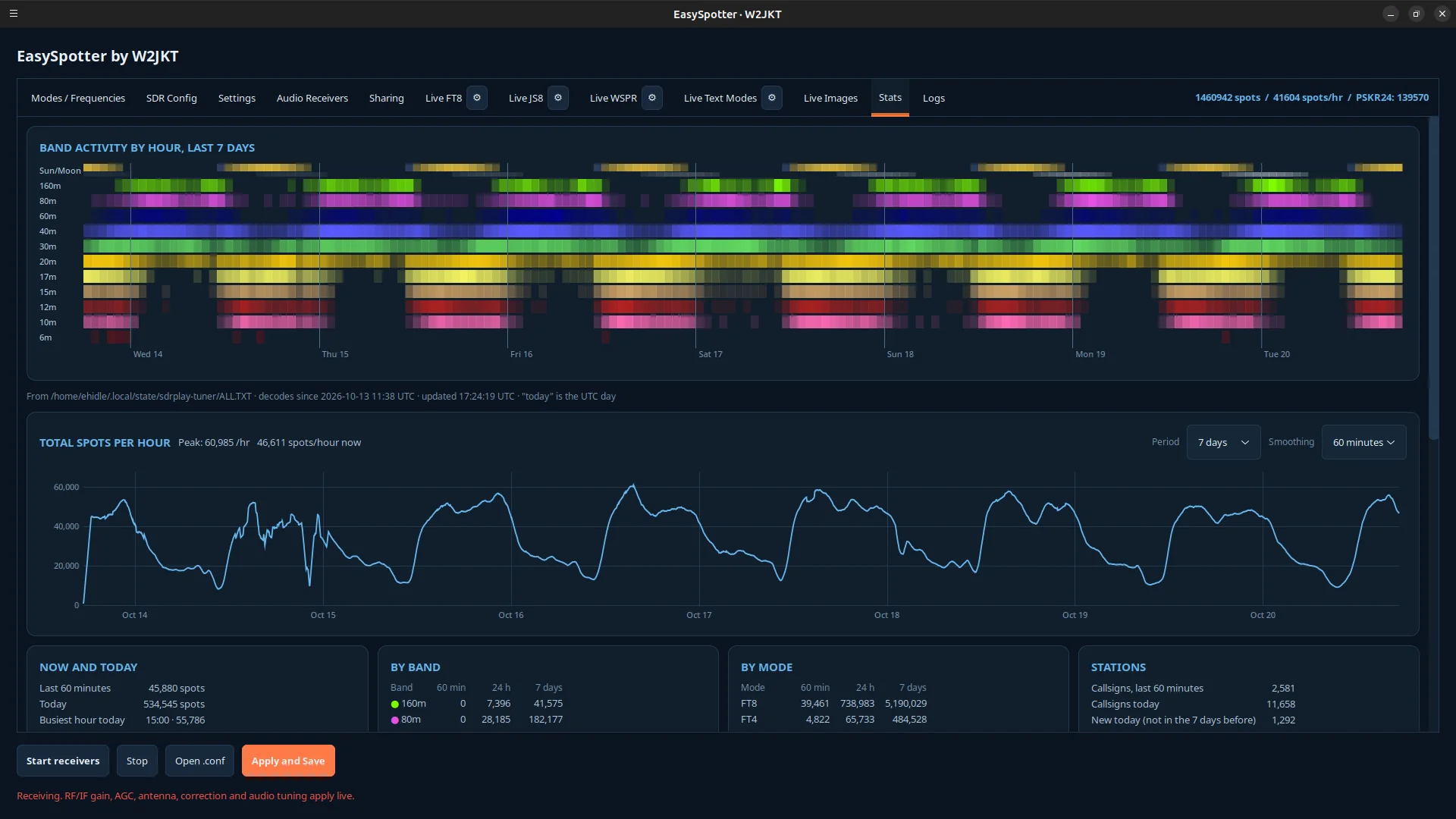
- Shows the activity live: a world map of the stations heard with the openings outlined band by band for any stretch of the last 24 hours, a card per band, spot-rate graphs with each band's peak, a seven-day band-by-hour map with daylight, countries heard and the farthest station.
- Reports spots to PSK Reporter and WSPR to WSPRnet when you switch it on, with duplicates filtered across receivers. Reporting is off until you enter your callsign and grid.
- Decodes JTTY, the new keyboard mode in WSJT-X 3.3, and reports its callsigns to PSK Reporter alongside the FT8 spots.
- Watches the known keyboard-mode frequencies for RTTY, Olivia, PSK31, PSK63 and CW, and shows every callsign heard on the Live Text Modes tab.
- Saves weather-fax charts (WEFAX) and SSTV pictures as they arrive, each captioned with the transmitter, the frequency and the time, on the Live Images tab.
- Listens in USB, LSB, AM and FM with a waterfall, to your speakers or to a virtual audio input for WSJT-X, fldigi or any other decoder.
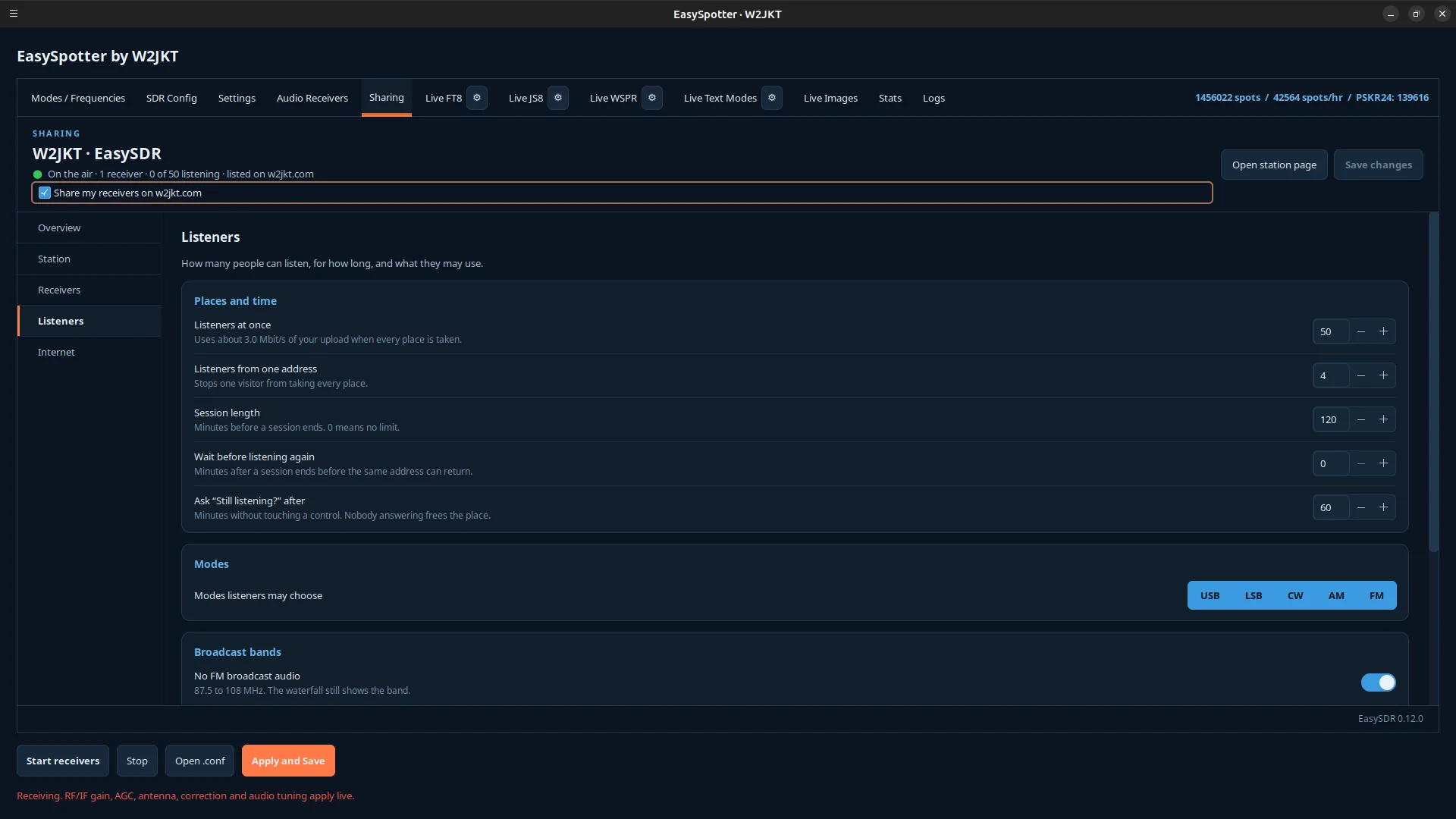
- Includes EasySDR: the same receivers can be heard on the web by anyone with a browser, listed on the W2JKT station directory. Sharing is a switch on the Sharing tab.
- Runs the receivers at boot with no one logged in, if you want a station that is always on watch.
Download
EasySpotter 0.92.0, 64-bit PCs. Works with SDRplay RSP receivers (RSP1, RSP1A, RSP1B, RSP2, RSPduo, RSPdx), the RX-888 MKII and RTL-SDR dongles.
| Ubuntu or DebianUbuntu 24.04 or newer, Debian 13 | easyspotter_0.92.0-1_amd64.debSHA-256 835c62d02520ee6dc3987720d6064cbc77e43bda8e0e8c4d510a5eca088c3f8b | 8.5 MB |
|---|---|---|
| FedoraFedora 40 or newer | easyspotter-0.92.0-1.x86_64.rpmSHA-256 cac75ac0d4a29cd93d3928404f107fd6090cd6ab6186894fe1dc34a801db6756 | 12.2 MB |
| Arch Linuxcurrent Arch Linux | easyspotter-0.92.0-1-x86_64.pkg.tar.zstSHA-256 2bdef6ab1bc1eb6996c81ac3c0bf037efbc55f0b5f4bfa67586eb0e8dc9b59e1 | 10.0 MB |
| WindowsWindows 10 or 11, 64-bit, still being tested | easyspotter-0.92.0-win64-setup.exeSHA-256 3b7793ab201b37d7904ed46226dbf2bc2f1cbb896c85385bb360abdc6b8676d6 | 34.2 MB |
- Install it:
- Ubuntu or Debian:
sudo apt install ./easyspotter_0.92.0-1_amd64.deb - Fedora:
sudo dnf install ./easyspotter-0.92.0-1.x86_64.rpm - Arch Linux:
sudo pacman -U ./easyspotter-0.92.0-1-x86_64.pkg.tar.zst, thenwsjtxfrom the AUR - Windows: run the installer; it sets up the USB drivers for the RX-888 and RTL-SDR dongles itself.
- Ubuntu or Debian:
- For an SDRplay receiver, also install SDRplay's API from sdrplay.com. RX-888 and RTL-SDR need nothing more.
- Open EasySpotter from your applications menu, press Refresh to find your receiver, tick the bands you want, and press Start.
- To report what you hear, enter your callsign and grid square on the Settings tab and switch on PSK Reporter or WSPRnet reporting. Nothing is sent until you do.
EasySpotter is free to use. The program is proprietary; the FT8, FT4, JS8, JTTY and RTL-SDR helpers it ships with are separate GPL programs, with their licenses and source offers in the package's documentation folder. The Windows version is new: if something does not work, press Send diagnostics on the Logs tab, or get in touch.